How many days left for CBSE board exam 2027?
for CBSE Class 10 and Class 12 boards
Expected start: 15 February 2027. Official CBSE date sheet is not out yet — this uses the usual mid-February window.
Free · No signup needed to see the number · Updates every second
How this number is calculated
CBSE has not published the 2027 date sheet yet. Class 10 and Class 12 theory exams usually start in mid-February. This page counts calendar days from today (IST) to 15 February 2027, 9:00 AM IST. When CBSE releases the official sheet, we will split Class 10 and Class 12 onto their real first-paper dates.
Want the number to mean something? BoardOS lets you mark every NCERT chapter and see whether your remaining syllabus actually fits in these 175 days.
Per-Subject Countdown
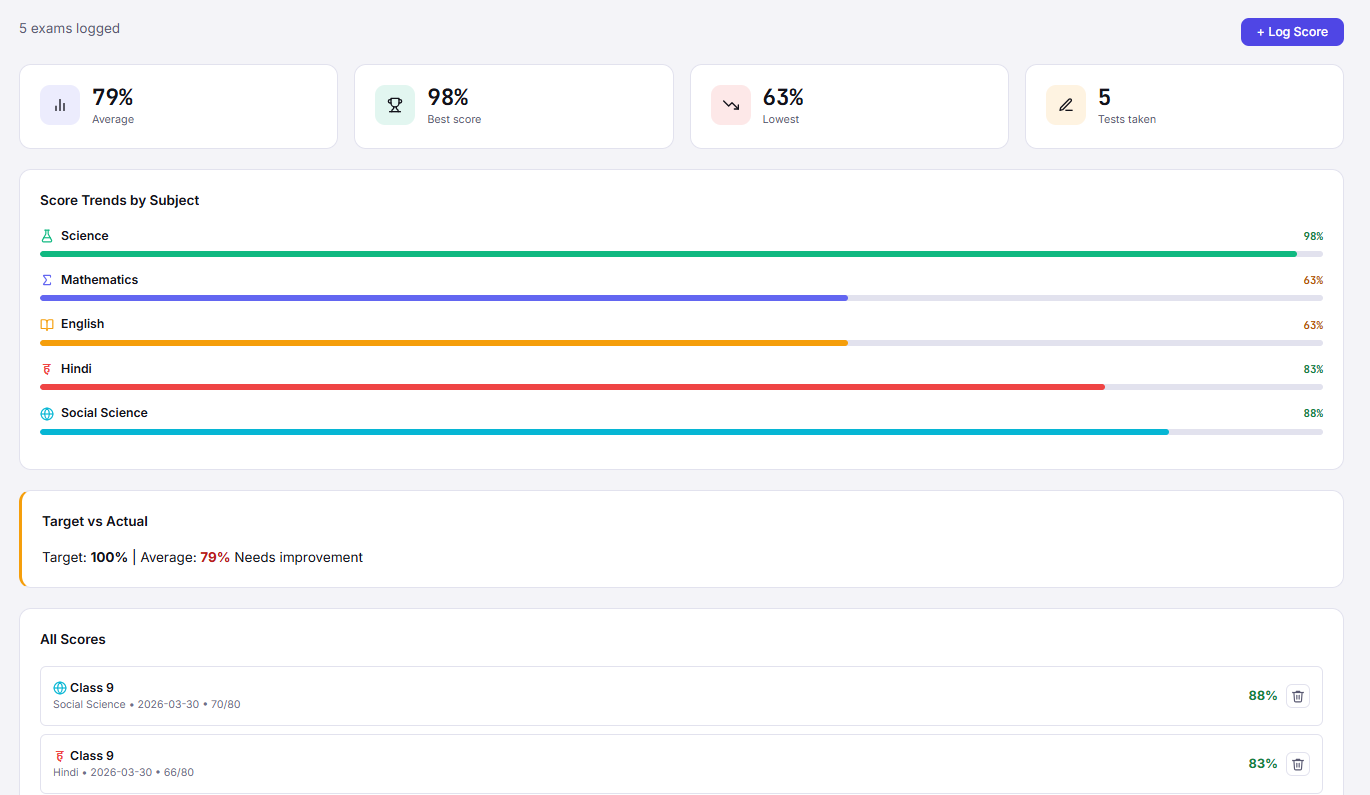
Here's how your board exam countdown looks inside BoardOS for a Class 12 Science student:
Syllabus: 58% complete · Needs: 42%
Syllabus: 38% complete · Needs: 62%
Syllabus: 22% complete · Needs: 78%
Syllabus: 74% complete · Needs: 26%
Features
Set individual exam dates for every CBSE subject. Get a separate countdown, readiness score, and daily target for each one.
Based on remaining syllabus and days left, BoardOS calculates exactly how many topics you need to cover per day per subject.
When your actual pace falls behind what's needed, BoardOS sends an alert with a concrete action plan to get back on track.
The countdown dynamically updates as you complete topics in your Syllabus Tracker. Real progress, real deadlines.
In the final 30 days, BoardOS activates "Exam Mode" — a concentrated schedule covering revision, past papers, and weak topics in order of urgency.
Add the countdown widget to your phone home screen. Your board exam days remaining are always visible — motivation and accountability in one glance.
FAQ
Set your CBSE exam dates and get a personalised countdown with a daily action plan — in under 2 minutes.